Learn how AI systems actually work.
5 core tracks take you from the GPU up to running an agent fleet, and special tracks read real production source line by line. 55 modules you learn by driving the simulation, not by reading about it. No GPU required.
People shape AI, and AI shapes people — the deeper you learn it, the more of it you shape.
LAV is where you go deep.
From the GPU up to running an agent fleet.
5 tracks in dependency order. Each one stands on its own, but in sequence they build a single mental model: what the silicon can do, what a model does with it, how that becomes a service, what turns it into an agent, and how to keep the whole thing alive in production.
- 1
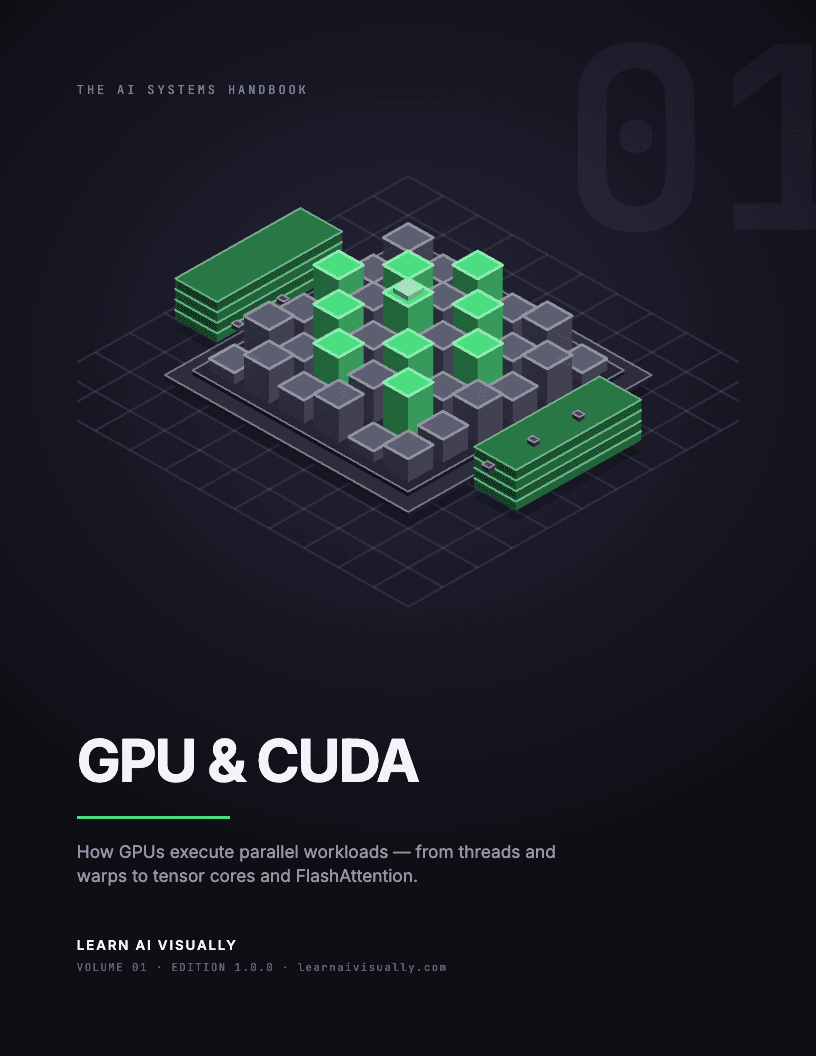
GPU & CUDA
What the hardware can and cannot do — the ceiling every AI system above it runs into.
Key topics
- Warps & SMs
- Memory hierarchy
- Roofline model
- Coalesced access
- Tiling & matmul
- Tensor cores
- Operator fusion
- FlashAttention
- Triton
- torch.compile
- 2
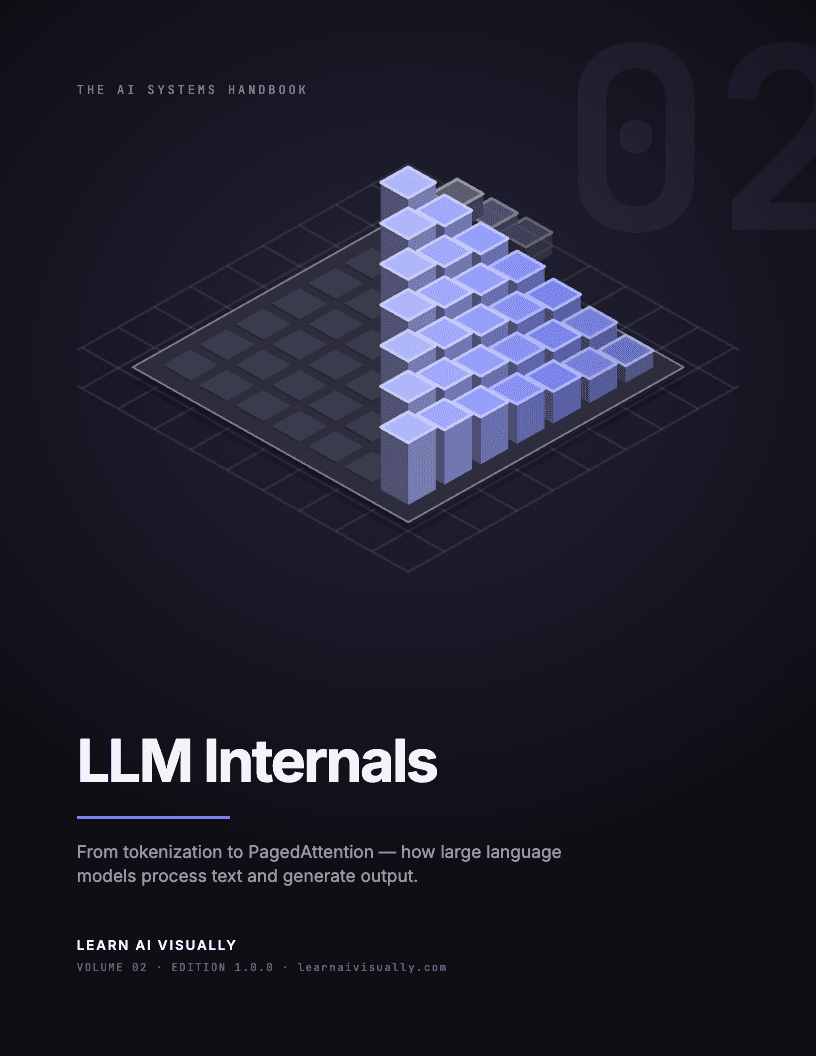
LLM Internals
What actually happens between your prompt and the next token — one mechanism at a time.
Key topics
- Tokenization (BPE)
- Embeddings
- Self-attention
- Transformer block
- Sampling
- KV cache
- Quantization
- Batching
- PagedAttention
- 3
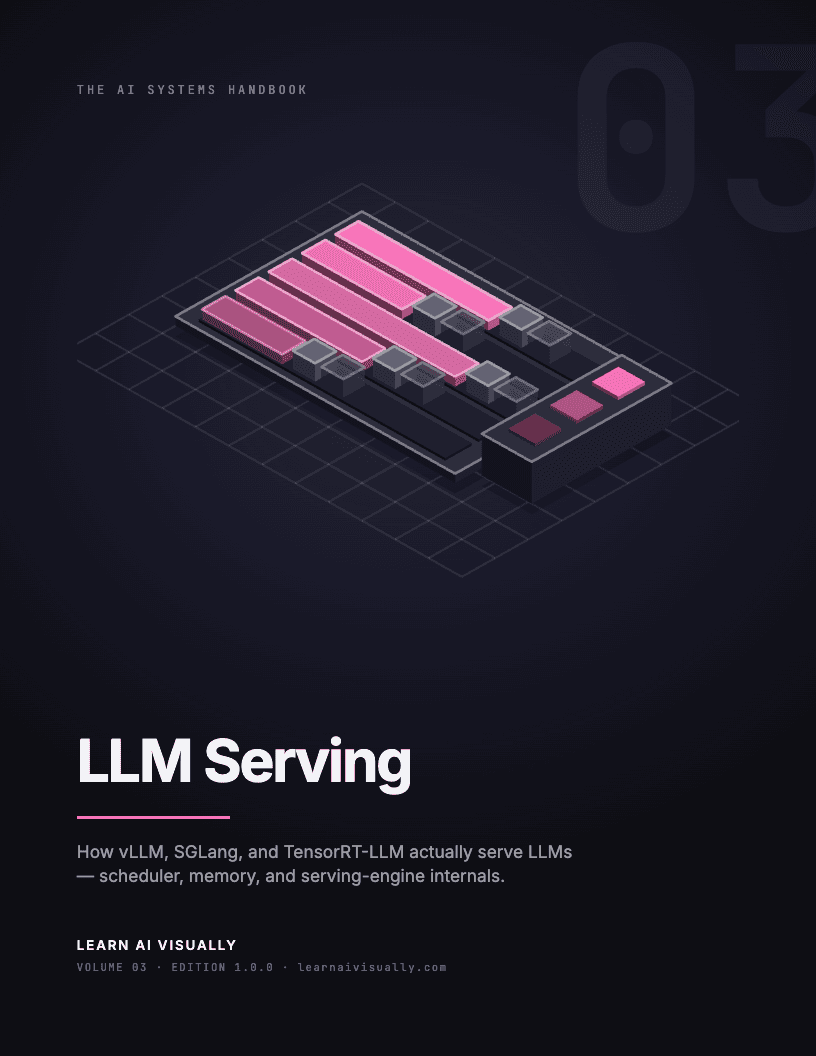
LLM Serving
How one model becomes a service that holds a latency target under real load.
Key topics
- Engine internals
- Spec. decoding
- Prefill/decode
- TTFT & TPOT
- CUDA graphs
- Multi-LoRA
- Prefix caching
- RadixAttention
- 4
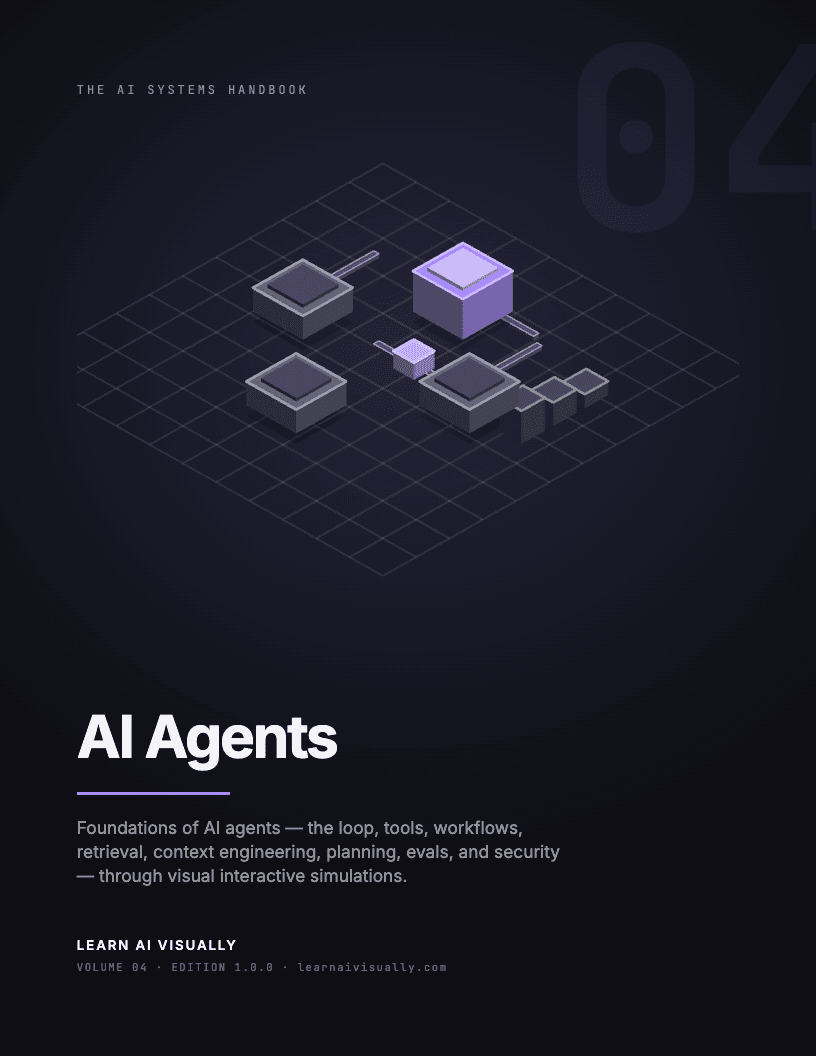
AI Agents
What turns a model call into a system that acts — and the places it breaks.
Key topics
- Agent loop
- Tool use
- Workflow patterns
- Retrieval & RAG
- Context eng.
- Planning
- Evals
- Lethal trifecta
- 5
Agent Engineering
How to run agents in production without being paged every night.
Key topics
- Durable harness
- Observability
- Guardrails
- Cost & latency
- Production evals
- Rollout & canary
- Incident handling
- Agent teams
- SLOs
Start at 1 and go in order. The roofline model from that track is the one idea the other four keep leaning on.
If you serve models today, start at 3. If you build agents, start at 4 and pick up 1–2 when a number surprises you.
Special tracks
See all →Not rungs on the ladder above — no number, no prerequisite, take them whenever. Where the core tracks teach the mechanisms, these walk one real production codebase: the actual files, classes and control flow at a pinned release, with a simulation of that exact code beside it.
- Inside vLLM12 modules
Read the vLLM source without drowning in it — the real files, classes, and control flow behind every stage of a request, paired with simulations of that exact code.
- vLLM Semantic RouterComing soon
How a semantic router picks the right model for each request — intent classification, reasoning-mode control, semantic caching, and the safety classifiers sitting in front of them.
Take the whole thing with you.
The whole curriculum — the GPU up to running an agent fleet — re-made as 1,377 print-ready pages across 5 volumes, plus a reference sheet for each and an AI Tutor Kit that turns the book into something you can question directly.
- 1,377 pages
- 43 chapters
- 30-day refund
AI Latest
The frontier, explained — daily.
AI Explained · written breakdowns
View all →Where Does Exactly-Once Live? — Idempotency keys vs read-back verification for exactly-once tool effects — What does it mean?
A timed-out agent write may still land. Read-back checks miss it; idempotency keys cut duplicates from 28% to 4% in the LIMBO benchmark.
CacheReforge — Stale KV cache repair after LoRA adapter updates — What does it mean?
Reparameterize output heads before W4 quantization — Softmax-preserving head shift — What does it mean?
Crossflow — Revocable decode-node leases — What does it mean?
From Memory Budgets to Risk Targets — Risk-controlled KV cache eviction — What does it mean?
Taste-Bench: best model picks the right fork 59.7% of the time — Outcome-hidden decision forks — What does it mean?
Interview, Explained · video breakdowns
View all →
Diogo Almeida on why AI belongs inside software, not writing it

Jake Loosararian on keeping humans in control of physical AI

Michael Lee on why AI can crown the re-founded incumbent
Frequently asked questions
Is it really free?
All 6 tracks and every article are free, forever — no account needed to start. The one paid product is the AI Systems Handbook: the curriculum as 1,377 print-ready pages you own, with cheatsheets and an AI Tutor Kit. It is a one-time purchase, not a subscription, and nothing on the site is locked behind it.
What do the tracks cover?
Builder-depth understanding of AI systems, not surface-level AI literacy: GPU and CUDA, LLM internals, LLM serving, AI agents, agent engineering, and a source-level read of the vLLM codebase. Every module is an interactive simulation you drive rather than an article you read.
Where should I start?
Anywhere — each track stands on its own. If you want the ground-up path, start with GPU & CUDA and follow the curriculum order; if you came to understand one specific thing, open that module directly. The AI Knowledge Map shows how the concepts connect.
Who is this for?
Engineers and technical leaders building AI products — and the managers growing those teams.
Start anywhere. It is all free.
6 tracks, no account, no trial. When you want it on your own shelf, the Handbook is there.